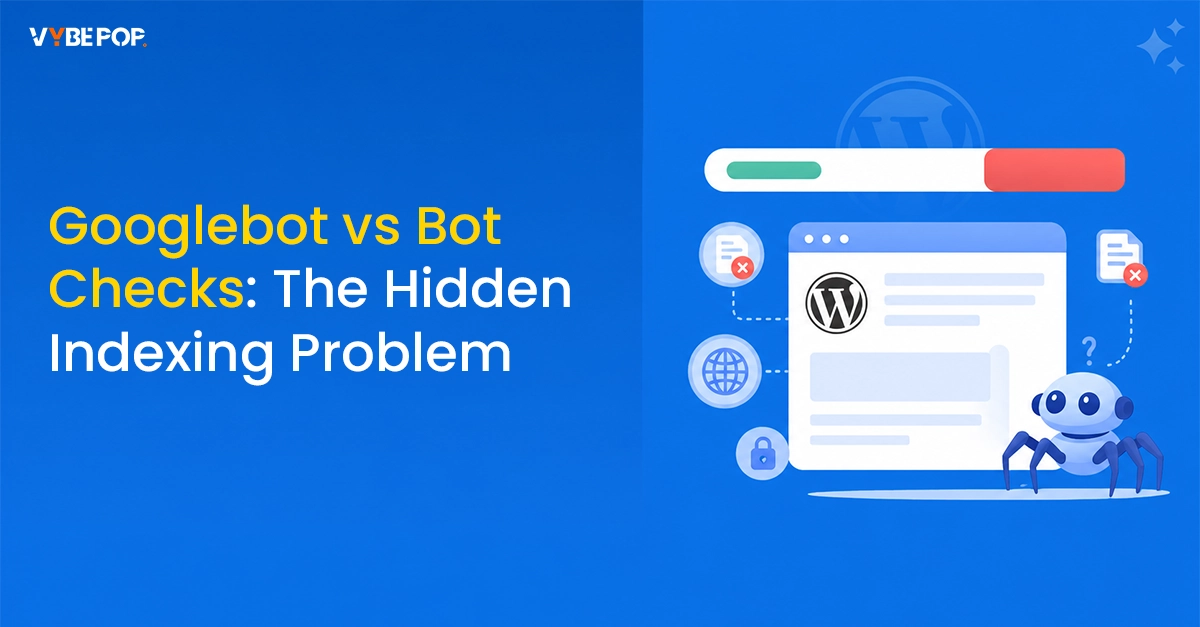
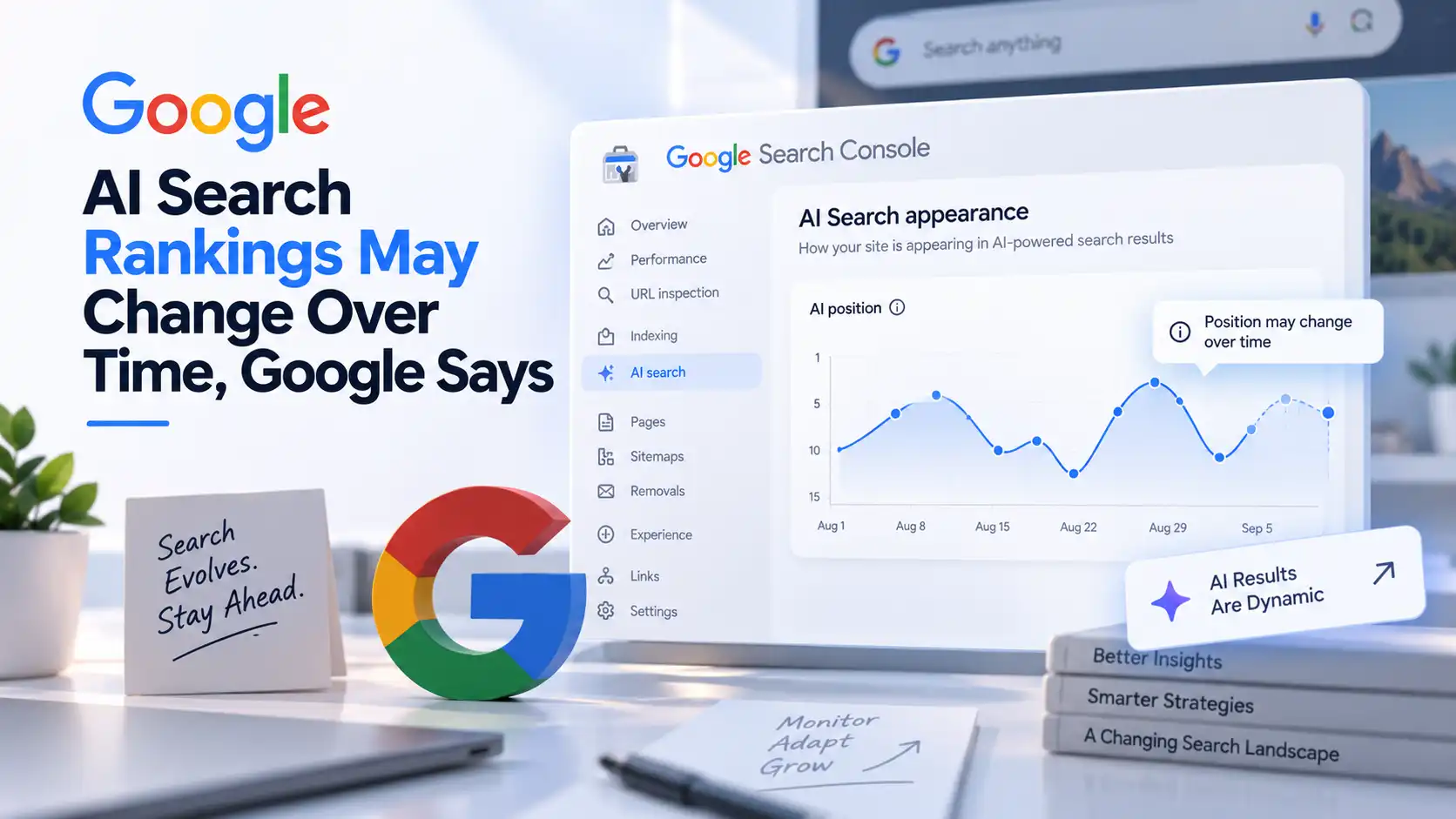
Google has warned that "Are You A Bot" verification screens can accidentally remove webpages from Google Search. In the latest episode of Search Off the Record, Google's John Mueller explained that if Googlebot is shown a bot-check page instead of the actual content, Google may index that page and treat the original webpage as a duplicate.
How 'Are You A Bot' Screens Affect Indexing
Many websites use bot verification pages to block suspicious traffic. However, if Googlebot is mistakenly served the same page, Google may crawl and index the verification screen instead of the real content.
Since these bot-check pages look similar across multiple websites, Google may identify them as duplicate pages. This can cause your original webpage to drop from the search index or even be marked as a duplicate of another website.
Why This Problem Is Difficult To Detect
According to Mueller, website owners often don't notice this issue because regular visitors usually never see the "Are You A Bot" screen. The website appears to load normally, while Googlebot is being shown different content in the background.
This makes the issue difficult to identify through normal website testing.
How To Check If Your Website Is Affected
Google recommends checking Google Search Console if you suspect an indexing issue.
The Page Indexing Report can show whether a page has been marked as a duplicate or canonicalized elsewhere. The URL Inspection Tool also shows which URL Google considers the primary version. If Google has selected a page from another website, it is a sign that something needs attention.
Cause of the Issue
Mueller said the problem is usually linked to CDNs, web hosting providers, or bot protection services rather than the webpage itself.
Although Google successfully reaches the website and receives a valid response, it gets the wrong content instead of the actual page. Because of this, regular website checks may not detect any problem.
Mueller also pointed to a similar issue called "Page Indexed Without Content," where security settings blocked Googlebot while allowing normal visitors to access the page.
What Website Owners Should Do
If you discover this issue, Google recommends contacting your CDN, hosting provider, or security service to make sure Googlebot can access the real webpage instead of the verification screen.
After the issue is fixed, website owners should use the Validate Fix option in Google Search Console to request a fresh crawl. Google may also detect the correction automatically during its next crawl.
to get updated , get in touch with Vybepop Media.